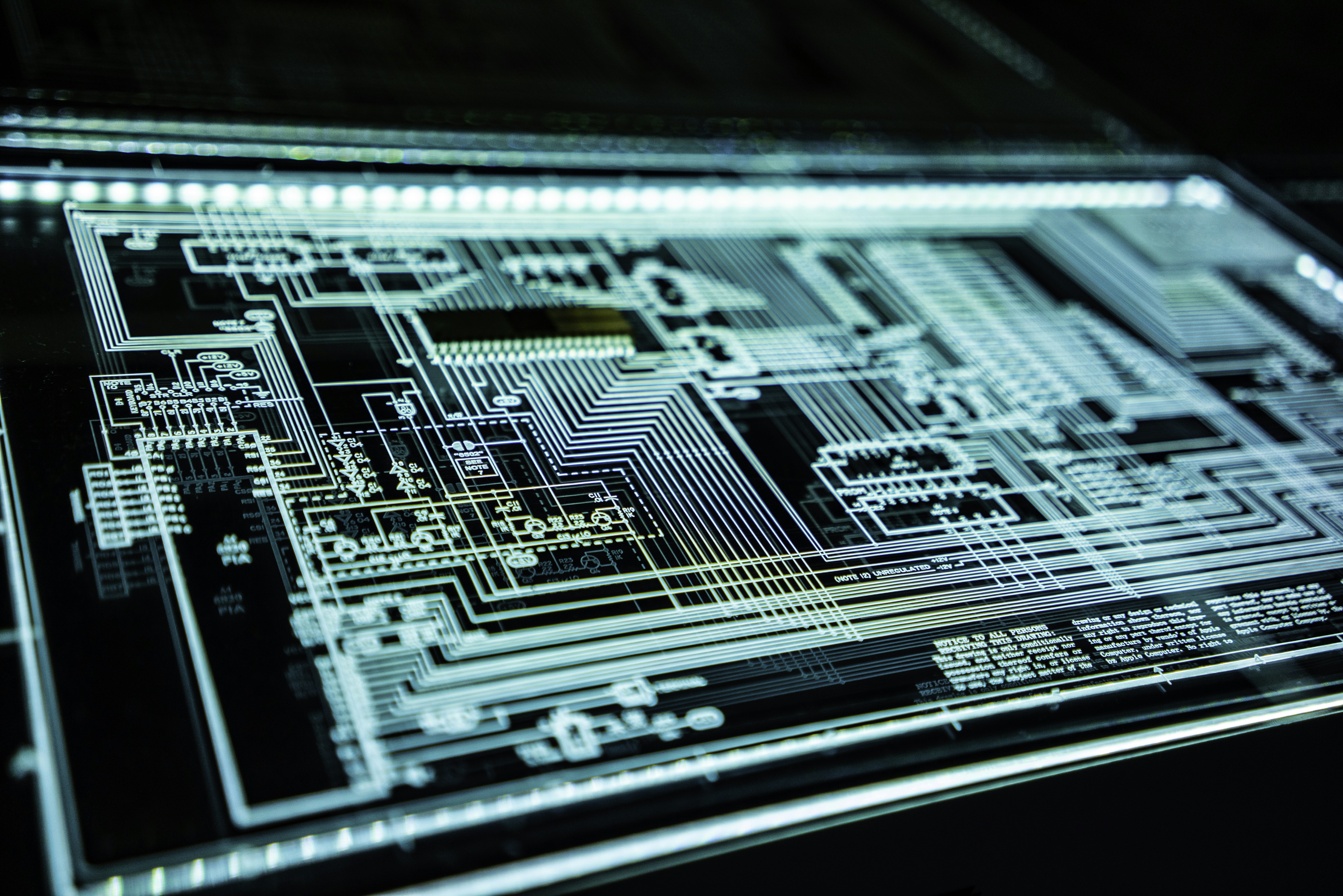
The Black Hole Problem
For years, we chased the phantom of 'pure black.' We treated #000000 as a holy grail—a way to save battery, a way to make colors pop, a way to signal that our app is somehow 'premium.' But then the industry pivoted to OLED, and our collective design intuition hit a wall. When every pixel is its own light source, that infinite contrast ratio isn't a benefit; it's a weapon pointed directly at the user's retinas.
We recently audited a massive dashboard project at bsmrlab. We were pushing massive data sets through a WebGL pipeline, and the client insisted on a 'true OLED' theme. The result? Ghosting, smearing, and a strange, nauseating sensation of depth that felt like staring into a void. We weren't just rendering pixels; we were creating strobe lights.
The Physics of Perceptual Fatigue
The standard WCAG contrast guidelines are built for LCDs. They assume a backlight. They assume a baseline of light bleed—a floor, if you will—that softens the edges of our typography and components. On an OLED panel, that floor doesn't exist. When you place a bright white font (let's say #FFFFFF) on a #000000 background, you aren't just achieving a high contrast ratio. You are creating a high-frequency flicker zone. The human eye struggles to focus on these boundaries because the transition is instantaneous, with zero sub-pixel diffusion.
This leads to the 'halo effect' or 'chromatic aberration' perceived by the eye, not the display. Your brain tries to reconcile the extreme light-to-dark jump, causing the text to look like it's vibrating. It isn't a GPU issue. It's a biology issue.
The Solution: Taming the Contrast
Stop using #000000. It’s lazy. If you are designing for mobile OLED interfaces, your 'black' should be an extremely dark gray—maybe #121212 or #1A1A1A. This isn't just about aesthetic preference; it's about giving the eye a soft landing. By raising the floor of your darkest color, you reduce the perceived intensity of your brightest highlights, allowing for a more stable focal point.
The most successful interfaces are not the ones that scream for attention with high contrast. They are the ones that manage the user's visual energy budget.
When we adjusted our color ramp for the dashboard to pull the background up from 0 to 18 percent luminosity, the 'vibrating text' issue vanished. The reading experience became stable. The design felt more architectural, more grounded. We weren't looking at a screen anymore; we were looking at a surface.
Reframing Depth
In a dark-mode-first environment, we have to rethink how we indicate hierarchy. On an LCD, we used drop shadows. In the OLED era, shadows are invisible against pure black. We have to use elevation through luminance instead. If a card is 'closer' to the user, it should be lighter than the background, not darker.
/* The wrong way to do elevation */
.card {
  background: #000000;
  box-shadow: 0 10px 20px rgba(0,0,0,0.5); /* Invisible */
}

/* The architecture-aware way */
.card {
  background: #1E1E1E;
  border: 1px solid #2C2C2C;
  /* Use luminance to define space */
}
This is where design engineering meets structural reality. You are building layers of light. If you treat your interface like a flat piece of paper, you fail the user. You have to build it like a room. How does the light bounce? Where is the primary source? If you rely on high-contrast black, you are effectively turning off the lights in the room, making it impossible for the user to navigate the architecture you've spent weeks coding.
The Metrics That Actually Matter
Stop checking your contrast ratios against a theoretical LCD standard and start checking them against the user's fatigue. If you have to squint to read your body copy, it doesn't matter if you hit a 21:1 contrast ratio. You've failed the functional brief.
- Luminance Floor: Never touch 0.0 unless it's for a specific graphic effect.
- Sub-pixel Rendering: Keep an eye on how your fonts render at smaller sizes against dark backgrounds. Hinting becomes significantly more important.
- Motion: High contrast creates faster perceived motion. If you have transition animations, ease them more aggressively to prevent the 'blur trail' common on mobile OLEDs.
We need to stop treating design as a static pursuit of 'clean lines.' It's a negotiation with the hardware. If you don't respect the panel, the panel will make sure the user doesn't respect your work. Pull back the brightness. Soften the blacks. Your interfaces will be readable in the dark, and your users might actually thank you for not blinding them at 3:00 AM.


READER ESSAY DISCUSSIONS (0)
Share your architectural perspectives, technical notes, or critique.
No discussions recorded yet.
Be the first to spark the dialogue on this essay.